About the product
- Powered off of phase A voltage AC/DC
- Weatherproof to IP54 standard for use in any environment
- 1000 VAC and 1500 VDC range
- Auto CT identifies the current that the instrument is connected to and the range that it is in
- Connection verification highlights if the product has been connected incorrectly
- On-board data analysis which can compare results against compliance standards, including setting templates for internal company standards
- Real time scope and DVM
- IEC61000-4-30 Class A compliance
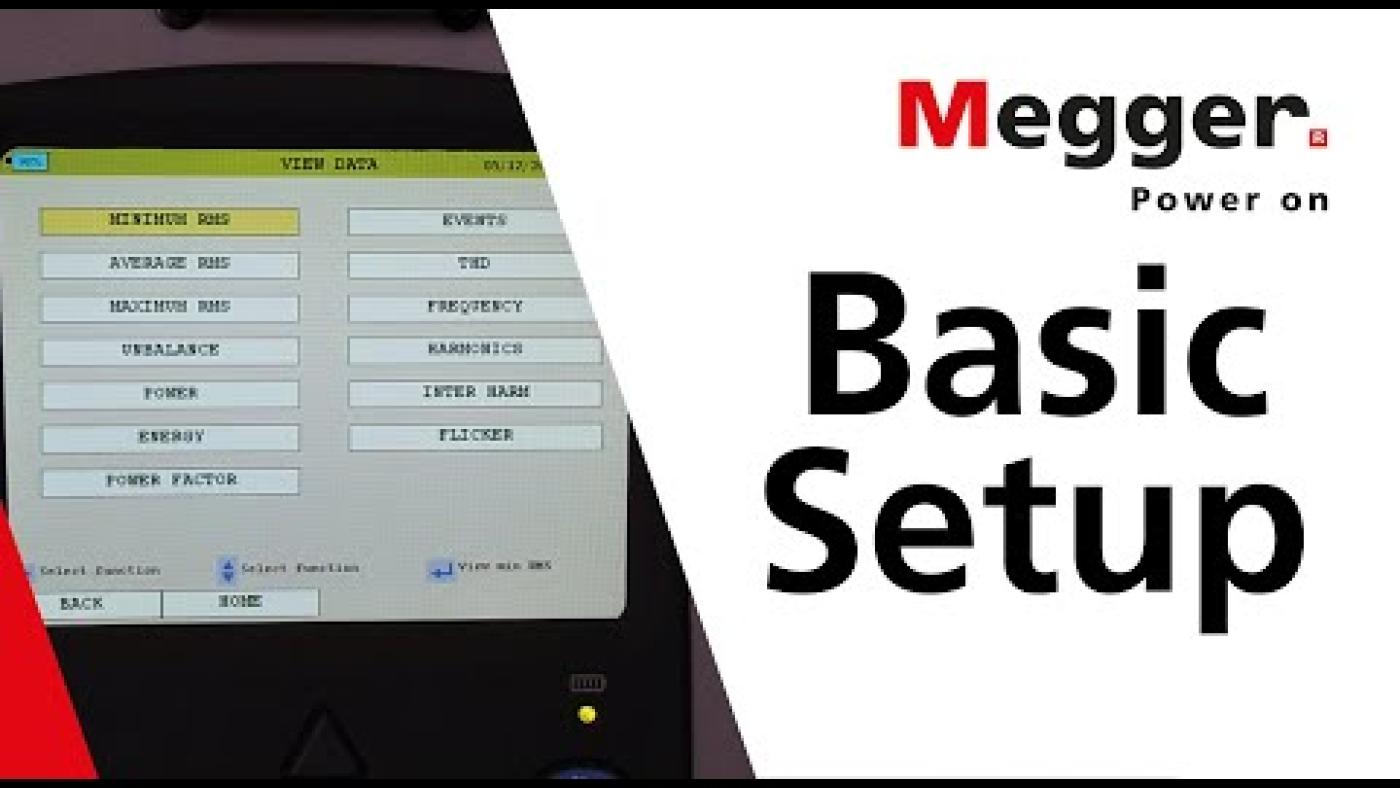
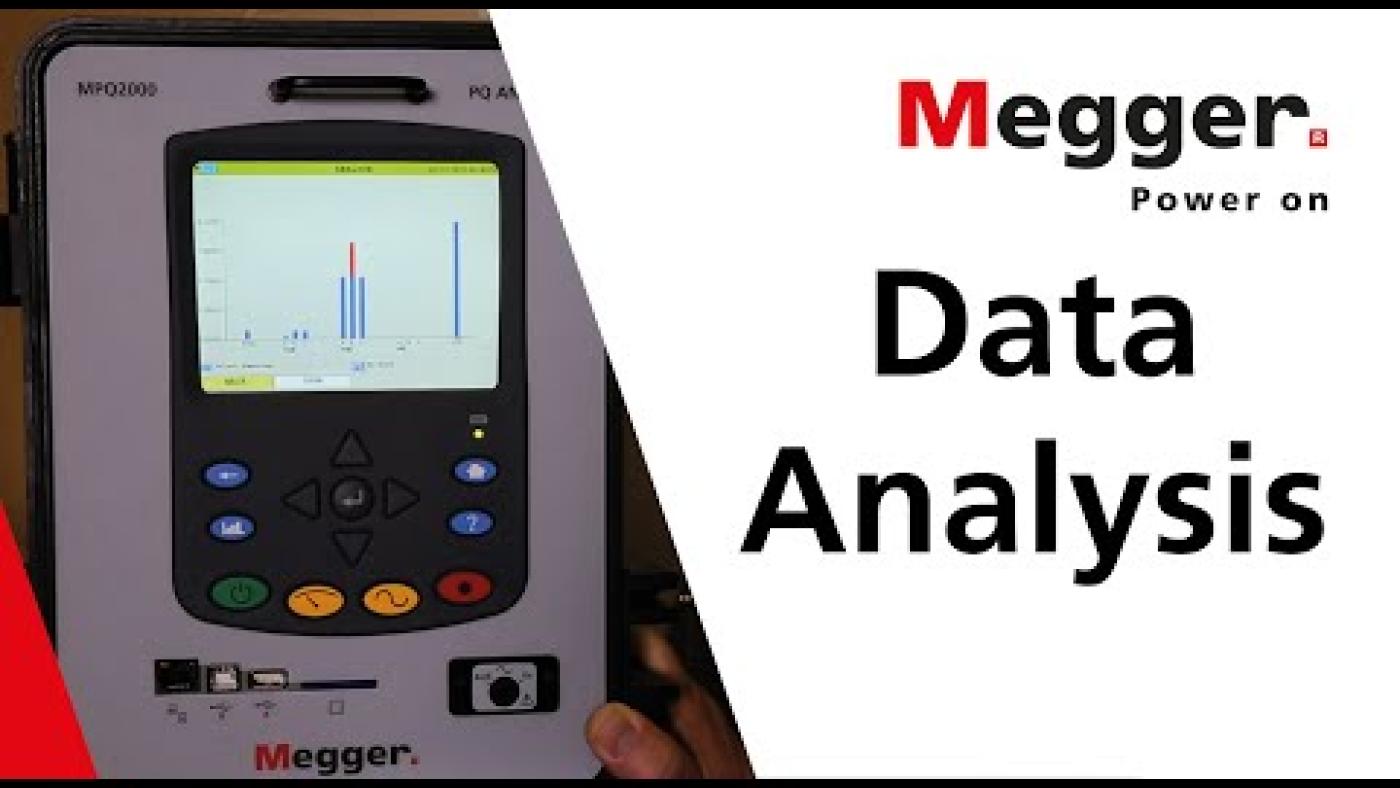
The MPQ2000 portable power quality analyser is a highly intuitive, advanced, portable three-phase analyser, delivering unmatched capability, in a rugged IP54 weatherproof enclosure. You can view RMS data, waveforms, demand data, phase angles, harmonics, unbalance, flicker, and more in real time with the MPQ1000 scope mode and DVM mode. When data needs to be recorded, the MPQ2000 record verification will automatically identify the current clamps, recognise their range, and verify the unit is connected properly. This means you can simply connect it and push the record button.
But the hardware is not all it’s about – behind the sturdy exterior is an intelligence that is focused on smart testing, with industry-leading software that enables you to minimise errors while testing, and quickly and easily analyse your results. The MPQ2000 can record for extended periods of time because of its massive memory. It uses an SD card, which makes expanding the memory as easy as simply installing a new SD card. The recorded data can be viewed on the MPQ2000 colour VGA display, or the data can be transferred to the high power Megger PQ Power Quality Analysis software via USB cable, USB drive, Ethernet, or directly from the SD card.
The free software, which requires no license, optimises the MPQ2000 to locate the power quality phenomenon such as lighting issues, computer problems, tripping breakers, and much more. It offers advanced charting, advanced waveform, and advanced harmonic analysis.
Technical specifications
- Data storage and communication
- Ethernet
- Data storage and communication
- SD card
- Data storage and communication
- USB
- Data storage and communication
- Wireless (with off-the-shelf bridge)
- Voltage measuring range (AC)
- 0 - 1000 V RMS
- Voltage measuring range (DC)
- ±1500 V
Product documents
Software and firmware updates
Megger PQ Firmware for MPQ Series PQ Analysers
Instrument firmware and application update thumb drive installation software
latest version
The following updates have been made:
MPQ Blackfin Application firmware : 1.1.0.48
- Corrects a stoppage of recording on a communication error.
- Corrects a flicker increase issue after voltage interruption.
MPQ CE Application Firmware: 1.423
- Update to fix log recording stoppage in conjunction with correction in Blackfin firmware 1.1.0.48 firmware.
Download and Install instructions
- Please download the zipped file containing the executable file “MPQFieldUpdate1.1_i0.exe” to a workstation where the installer can transfer the files and folder structures to a preferably blank USB Thumb Drive with at least 8 MB of available space and that does not have a folder named “MEGGER” at its root.
(if there is a “MEGGER” folder and it should be preserved then please rename it by adding a prefix or suffix. - With the target thumb-drive installed into the workstation, run the zip file extraction tool, and then execute the downloaded and extracted file: “MPQFieldUpdate1.1_i0.exe”.
- The thumb-drive installer program will locate all installed removable media and display them to allow selection of the target thumb-drive.
- Choose the thumb-drive to be used for updating the MPQ equipment and then proceed with the installation to the thumb-drive.
- After the installation is completed, please eject the thumb drive which is now ready for use with the MPQ1000 or MPQ2000 instruments to be updated.
- Use the instruments menu to perform the update. Install the USB drive with the update into the unit to be updated.
- Highlight Home and press the enter key, navigate up to quickly get to Help.
- Press enter. Then use the arrow keys to highlight the Update button. Press enter and follow the prompts.
Megger PQ PC Software for MPQ Series PQ Analyzers
PC MPQ Software installer
latest version
The new Metrosoft MPQ PC Software V3.1.2.2 corrects the following bugs and incorporates the following enhancements.
Corrected data analysis report to indicate fails only on narrow band limit violations.
Corrects Spanish Translation Error
Enhancements
Adds low voltage limit to Flicker. If a voltage interruption occurs the recorded high flicker value due to the interruption can now be ignored.
Download and Install instructions
Download the file MPQ_PC_Muti-Language_3_1_2_2.exe to the computer it should be loaded on and execute the file.
Installation instructions can be downloaded here