VLF Sine Wave 62 kV
The VLF Sine Wave 62 kV combines a high output voltage with a compact portable design, giving users a powerful field-ready solution for medium voltage cable testing without the complexity of a larger setup.
Carry out VLF withstand testing, DC testing, sheath testing and sheath fault pinpointing with one platform. Add the optional internal Tan Delta function for cable condition assessment and expand further with the PDS 62-SIN for partial discharge diagnostics.
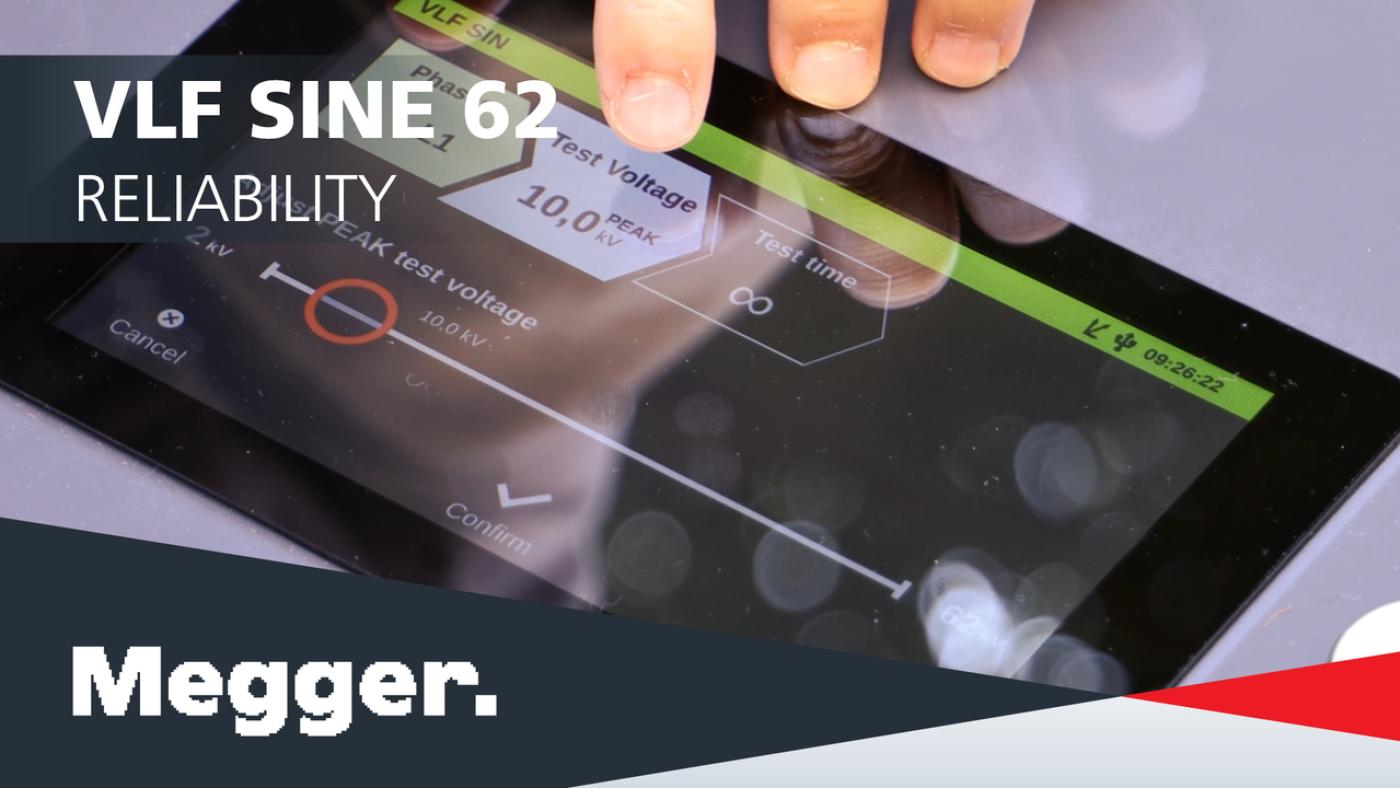
The large colour touchscreen, touch-friendly interface and straightforward workflows reduce training time and make even advanced diagnostic procedures easier to perform with confidence.
Measurements are automatically evaluated and stored in internal memory, can be reviewed on the unit, and exported through USB for fast report generation in MeggerBook Lite.
Automatic discharge, breakdown detection and the analogue residual voltage indicator help users stay informed about cable status during testing, while optional external safety equipment supports safer field operation.
About the product
Simplify medium-voltage cable testing and diagnostics with the VLF Sine Wave 62 kV, a compact, portable, high-performance system designed for commissioning tests, condition assessment, and sheath testing. The unit delivers a true VLF sine-wave output up to 44 kVrms/62 kVpeak, supports DC testing up to ±62 kV, and automatically adjusts frequency to match cable length and load, helping you test both short and long cable sections reliably.
The system combines multiple functions in one platform. In addition to monitored withstand testing, it also performs sheath testing and sheath-fault pinpointing up to -20 kV when used with the ESG NT2 step-voltage probe. With the optional internal Tan Delta function, it also supports cable condition assessment with automatic result interpretation in line with IEEE 400.2, giving users a clearer view of cable ageing and insulation behaviour.
User experience is built into the design. The large 7-inch colour touchscreen and touch-friendly software make setup and operation straightforward, even for more advanced diagnostic routines. The analogue residual voltage indicator keeps the operator informed about cable status, while automatic discharge, breakdown detection and optional external safety equipment help support safe testing practice in the field.
All measurements are stored in the unit’s internal memory and can be reviewed directly on the instrument or exported via USB for reporting in MeggerBook Lite, which is included. The system is also prepared for wireless data transfer. For users who need partial discharge diagnostics, the VLF Sine Wave 62 kV can be paired with the optional PDS 62-SIN PD coupler to create a more complete test and diagnostic solution covering monitored withstand testing, Tan Delta diagnosis and PD diagnosis.
For applications that demand portability without compromising performance, the VLF Sine Wave 62 kV offers a strong balance of output capability, usability and integrated diagnostics.
FAQ / Frequently Asked Questions
The system can be expanded with the PDS 62-SIN PD coupler for partial discharge diagnostics. Other options include the ESG NT2 step voltage probe, HVCC VLF SIN-62 leakage current correction, external safety devices, SF6 test adapters, transport cases, MeggerBook 3 full licence and a test/calibration certificate.
The unit has a maximum test capacity of 10 μF. At rated performance it supports 1 μF at 44 kVrms and 0.1 Hz, and the system automatically adjusts frequency to suit the connected cable load.
Yes. It supports sheath testing and sheath fault pinpointing up to -20 kV DC when used with the ESG NT2 step voltage probe.
Yes. The VLF Sine Wave 62 kV can be used as the voltage source for the optional PDS 62-SIN PD coupler, allowing the setup to be expanded into a full test and diagnostic system for monitored withstand, Tan Delta and PD diagnosis.
Results are automatically stored in the instrument’s internal memory and can be reviewed on the unit or exported via USB for reporting in MeggerBook Lite.
Further reading and webinars
Accessories and spares
Troubleshooting
Check that the correct mains cable is connected, the power source is within the specified input range, and all connections are secure.
This usually means the connected cable load is too high for the selected voltage and frequency combination. The unit automatically adjusts frequency to remain within its load capability.
Check the safety key switch, emergency stop condition, cable connections, grounding and any optional external safety device. Confirm the test object is de-energised and connected correctly before retrying.
The Tan Delta function must be activated as an option in the system settings. If it is not enabled, Tan Delta test modes will not appear.
If using the PDS 62-SIN, review grounding and connection quality, keep the connection as short and direct as possible, and confirm the PD coupler, notebook and voltage source are connected correctly. High interference environments can make smaller PD levels harder to identify.
Use a suitable USB drive and confirm the drive is recognised by the system. If needed, review stored measurement data directly on the unit and retry the export.
Confirm that the cable sheath connection is correct and that the ESG NT2 step voltage probe is being used where required. Also check that the selected sheath test or sheath fault location mode matches the application.
Interpreting test results
Test results should always be reviewed in the context of the selected test method, the cable type, the cable length and the applicable company or local standards.
A successful monitored withstand test shows that the cable remained stable at the selected test voltage and duration without breakdown. If breakdown detection occurs, testing stops automatically and the cable should be investigated before it is returned to service.
Tan Delta provides an indication of insulation condition and ageing behaviour. The optional internal Tan Delta function supports automatic result interpretation in line with IEEE 400.2, helping users assess whether measured values and trends indicate stable insulation or signs of deterioration. Comparing historical results can be especially valuable when assessing ageing cables.
Sheath test results help confirm the integrity of the cable oversheath. If a sheath defect is present, the VLF Sine Wave 62 kV can be used with the ESG NT2 step-voltage probe to pinpoint the defect location for targeted repair.
When the system is used with the PDS 62-SIN, PD results provide additional insight into insulation defects and accessory issues. The PDS 62-SIN supports real-time evaluation, PRPD display, localisation and reporting, helping users distinguish between defect types and identify likely fault locations.
For reporting and long-term trend analysis, export results to MeggerBook Lite or MeggerBook and compare repeat measurements over time.
Software and firmware updates
MeggerBook
MeggerBook and MeggerBook Lite
MeggerBook & MeggerBook Lite Software
latest version
What’s new in version 4.4.0
Updates
- Incorrect reset of the propagation speed v/2 on the Settings page
- Incorrect behavior of the Settings page when the virtual keyboard is absent
- Crash when editing report templates
- Preview pages are displayed in letter format
- During an active search, entries that are not visible can be selected
- The cable description in the report does not display any special characters (including ü¼ö¶ä¤)
- In TDR analyses, the velocity is always given in v/2
Improvements
- Database version check
- Refresh on cable changes
- Phase-resolved tanDelta trend data in BA TanDelta MWT
- Improve handling of Winkis data (Sqlite2)
- Save import/export folder path in MeggerBook
- Update TanDelta standards
- Display GPS status on map
- Display the sleeve or cable type when hovering over the cable run
New Features
- Display TE measurements properly in the activity view in MeggerBook
- The radio options on the "Language settings" page are not working well
- Extremely large Megger-mcb files due to PDF reports made manageable
The setup file below is suitable for the installation of both MeggerBook (full version) and MeggerBook Lite (free limited version).
When started with after adding the electronic license key into the installed software, the software starts as MeggerBook full version which allows for easy and comprehensive data evaluation, data archiving, cable management and report creation. A personal quotation for a certain number of licenses can be requested here . The new electronic license key allows for 3 devices to have MeggerBook full version installed on them.
The dongle key licenses from older versions of MeggerBook are not supported with this newer version. Updated electronic license keys can be requested here for previous customers.
Without the required software license key the software starts as MeggerBook Lite which allows for seamless report creation and offers some of the features as the full version while limiting the data storage options as follows:
• Measurements, analyses and reports are not permanently stored in the database
• While cable import and storage are not limited, a maximum of 5 cables can be created using the cable editor of the Lite Edition
At this time, the software can handle the measurement and test data of the following Megger devices:
Test vans: Centrix 2.0, Primeon Centrix City, Compact City, R30 2.0, Variant
Test systems: VLF Sine 34 / 37 / 45 / 62, VLF CR 40/60, TDS 40/60, Easytest 20, MFM 10
TDRs: Teleflex VX(-P), Teleflex SX-1
Note for test systems VLF Sine Wave 45 and VLF Sine Wave 62:
Data of these test systems can only be imported into the software, if the test systems is equipped with firmware version 3.14 or higher. The latest firmware can be found here (VLF Sine Wave 45) and here (VLF Sine Wave 62).
VLF Sine Wave 62 Firmware
FAQ / Frequently Asked Questions
You can access stored activities directly on the instrument and review measurement data later if needed.
Export measurement data via USB and process it in MeggerBook Lite, which is included with the system. MeggerBook 3 full licence is also available as an option.
Wait for the automatic discharge process to complete and use the analogue residual voltage indicator to confirm cable status before disconnecting the test setup.
Yes. Field operation does not require an external computer for standard VLF, DC, Tan Delta and sheath test functions. Measurements are stored directly on the unit.
Use the PDS 62-SIN when you need Partial Discharge (PD) Diagnostics in addition to standard Withstand, Tan Delta, and Sheath Testing.
The optional transport case with rollers helps protect the unit and improves convenience during transport and storage.